

仅发布于oogc和咸鱼同名,其他全是盗版
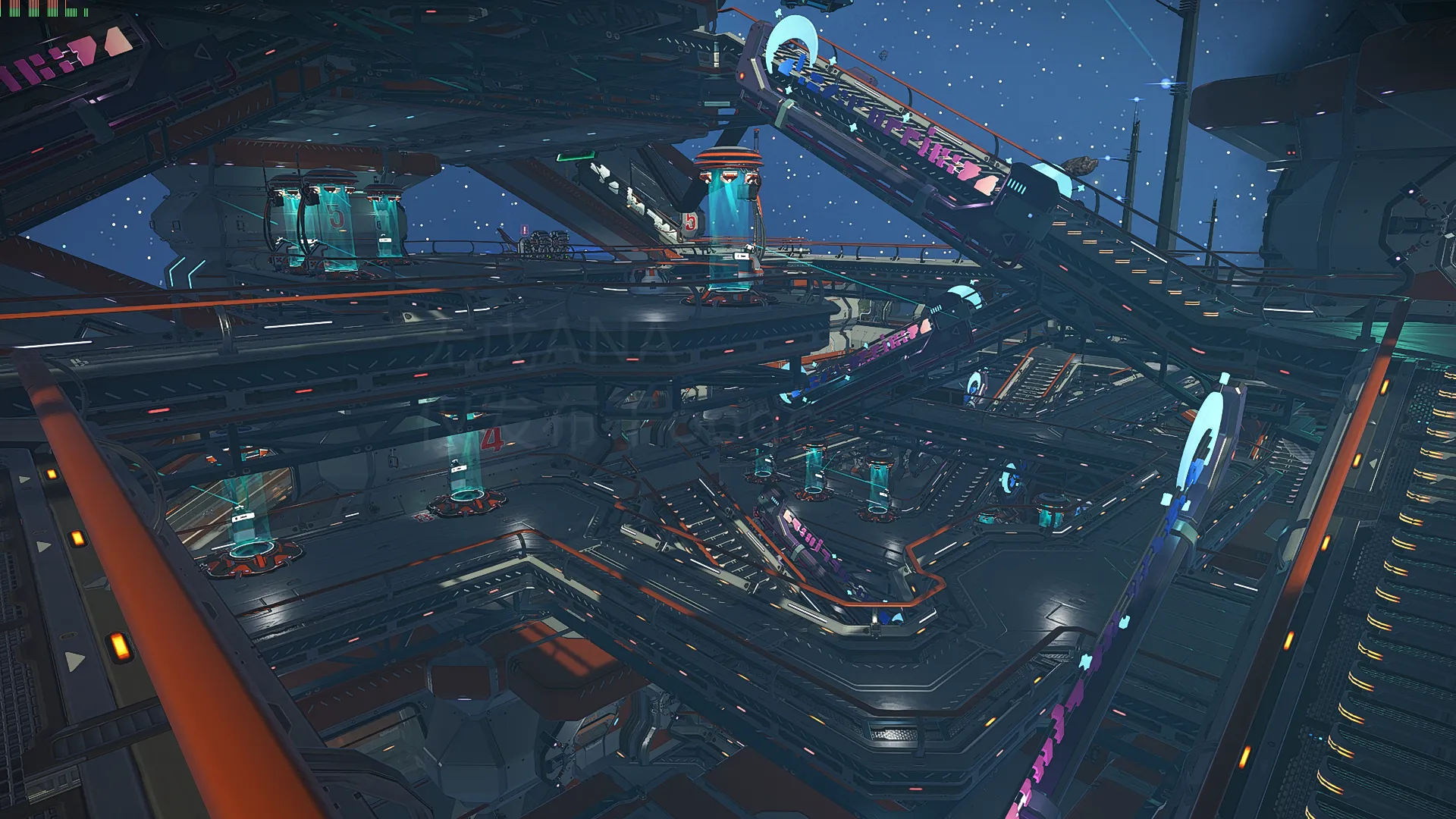
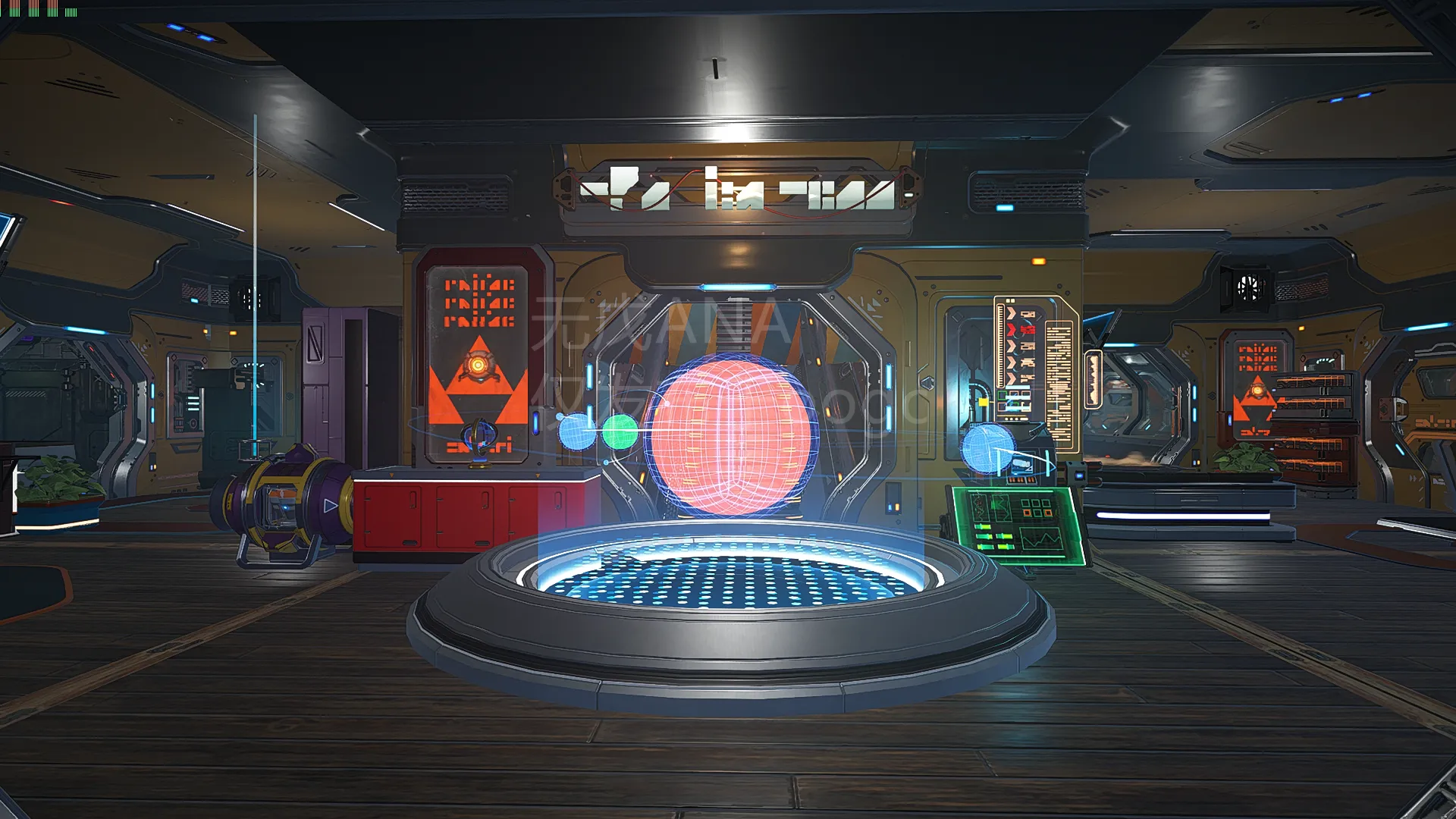
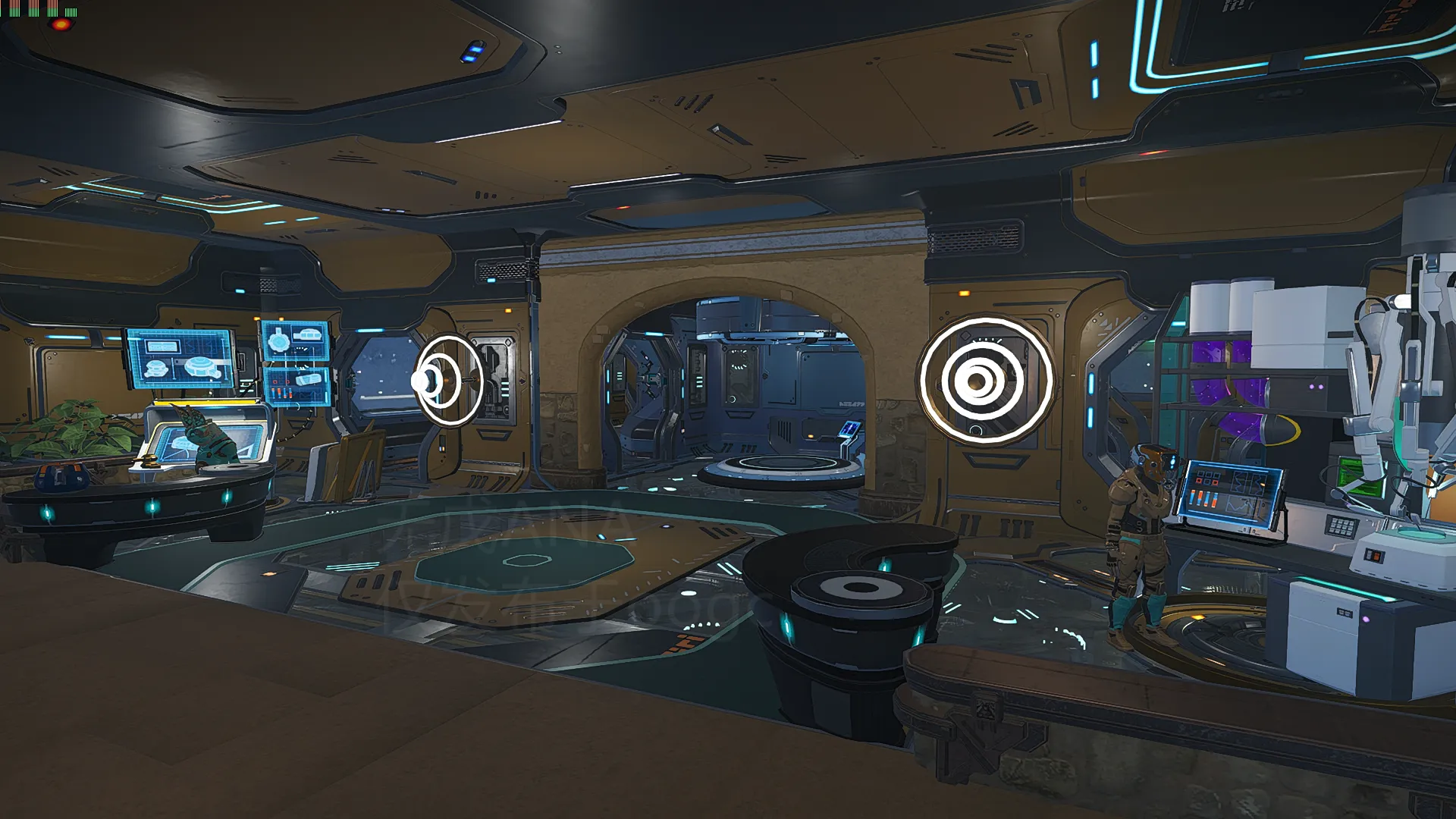
因为规模比较大所以只有基本功能区的那一块有内饰
配置好的可以自己DIY其他空房间,按照配置适当来,不然会很卡。我个人2060笔电按照现有装修度帧数大概在30-50波动。
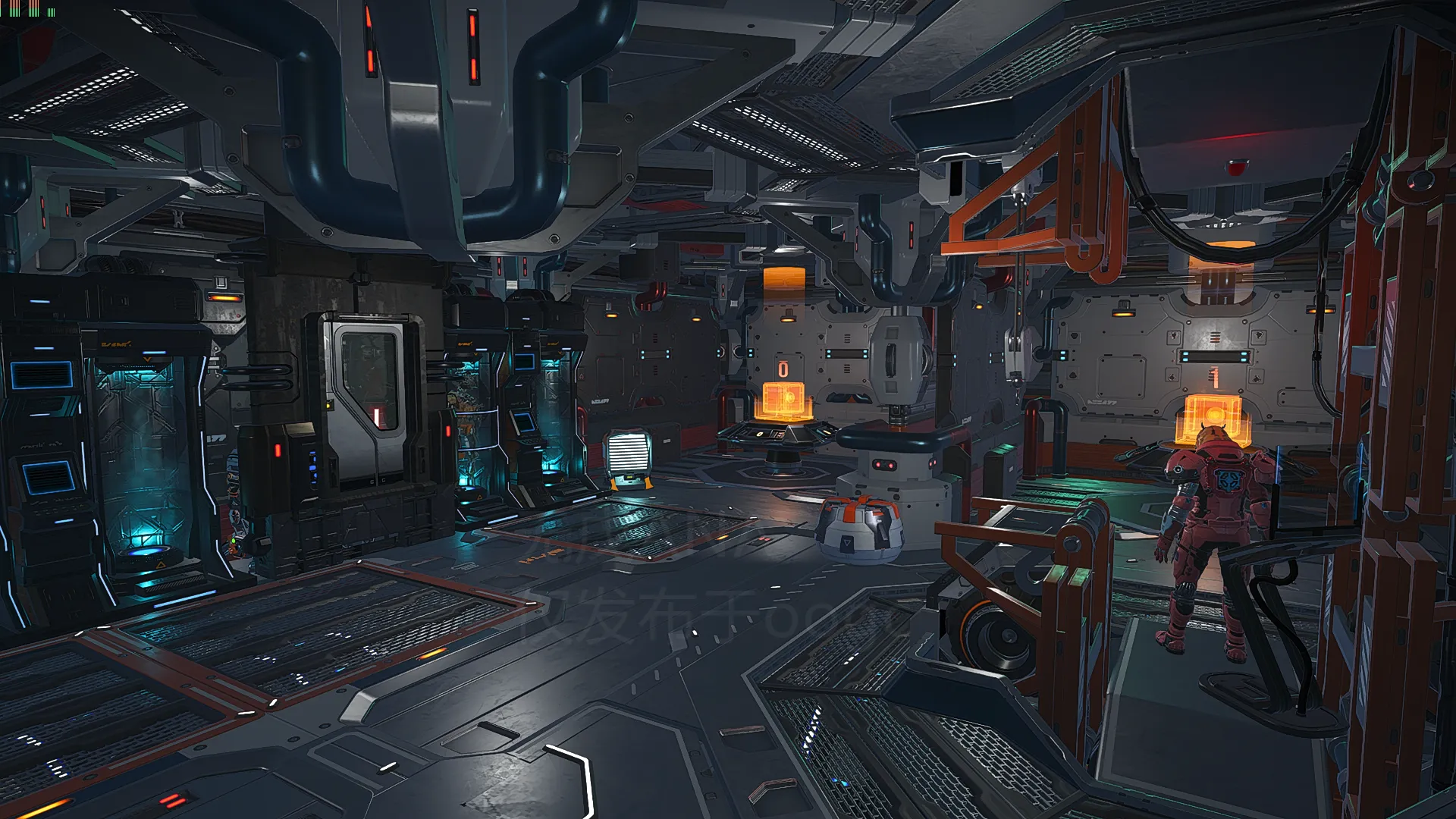
如果电梯没电可以看看发电机里有没有燃料(基本功能区每个房间都有发电机和电池,4层以上每层的电梯附近都有2电池+1太阳能+1发电机)
注意:
基地复杂度最好开到【高】或以上,不然地板有时加载不出来会掉到货船底
每次用传送器都在原地站一会儿等模型加载好再走,不然同上可能穿模
每层都有储存点,养成随手存档好习惯
有时模型加载不出来可能会出现人物突然飘到货船周围太空的情况,个人配置一般所以遇到过一两次,一般飞回去就好,但还是灵活存档
任何导入模型之前务必备份你的存档
个人测试原版无MOD可正常使用。(如后续想自己装修推荐使用N网_Beyond Base Building的MOD,能使用游戏自带的更多种建筑和装饰,且多数都可调节大小)
【注意】经提议已降价到10块,请原价28购买的几位伙伴看到后去B站私信直接发给我订单记录截图(右上角头像-我购买的作品-里面有对应订单号)我返你OB哈
|ू・ω・` )
---------------------------------------------------------------------------------------------
Only Basic Function Area got decoration.U can use this base without mod.
RTX2060 laptop - 30-50FPS with base complexity [High]
1.Each floor got biofuel reactor
2.Better set the base complexity to [High] or above
3.When use miniteleporter, wait for the model to load before moving, otherwise you might clip through objects.
4.Each floor got at least one savepoint, just use
5.Always back up ur savedata first
If you bought it at the price of 2800OB, please click the video and contact me , and I will refund you some OB .|ू・ω・` )
打赏与否下载内容相同。
| | 111 (上传附件故障只能网盘,失效请私信) 百度网盘 附件大小:324.00KB |
提取码:**** (购买后可见) 解压密码:**** (购买后可见) |
下载 |


