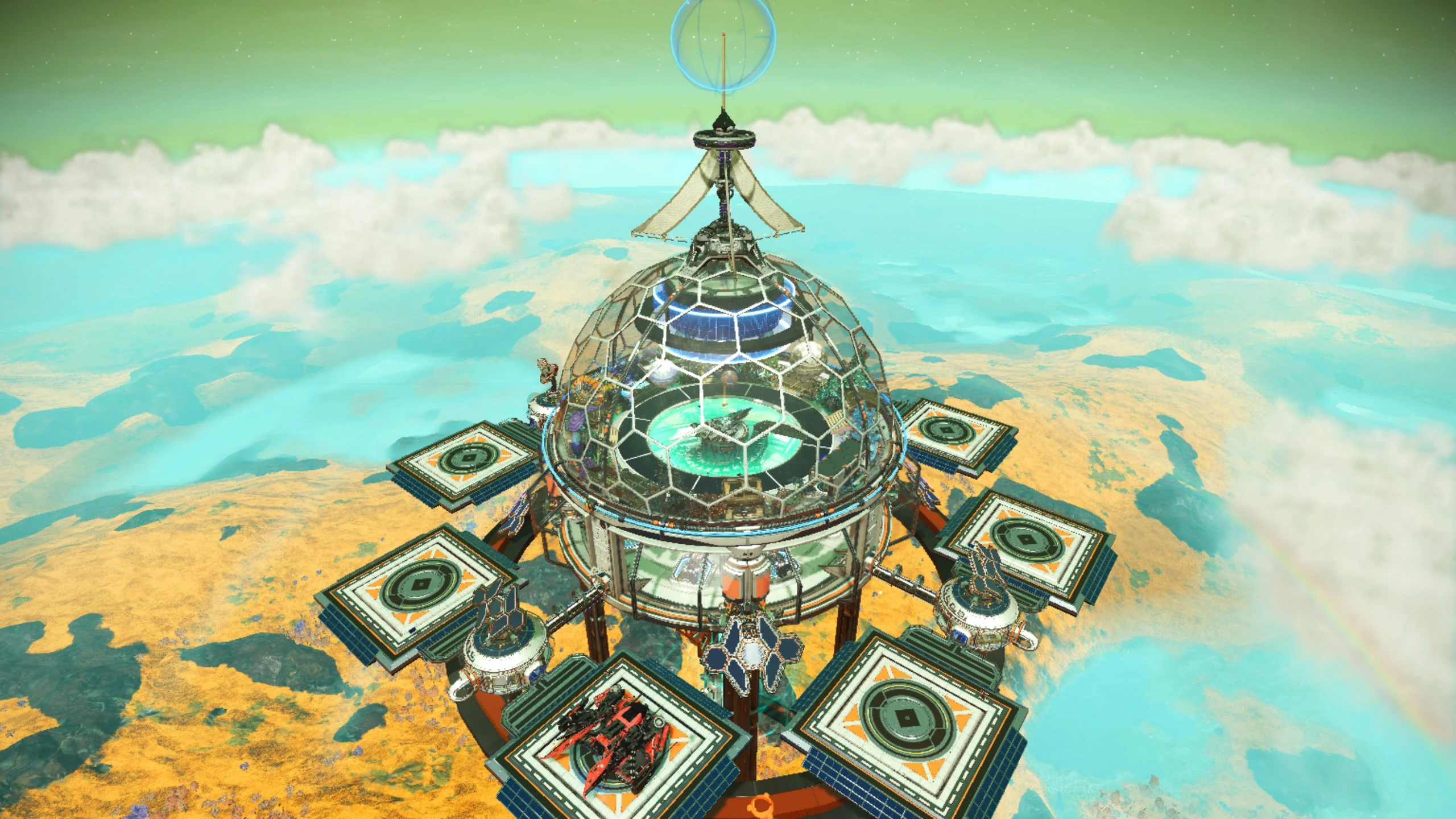
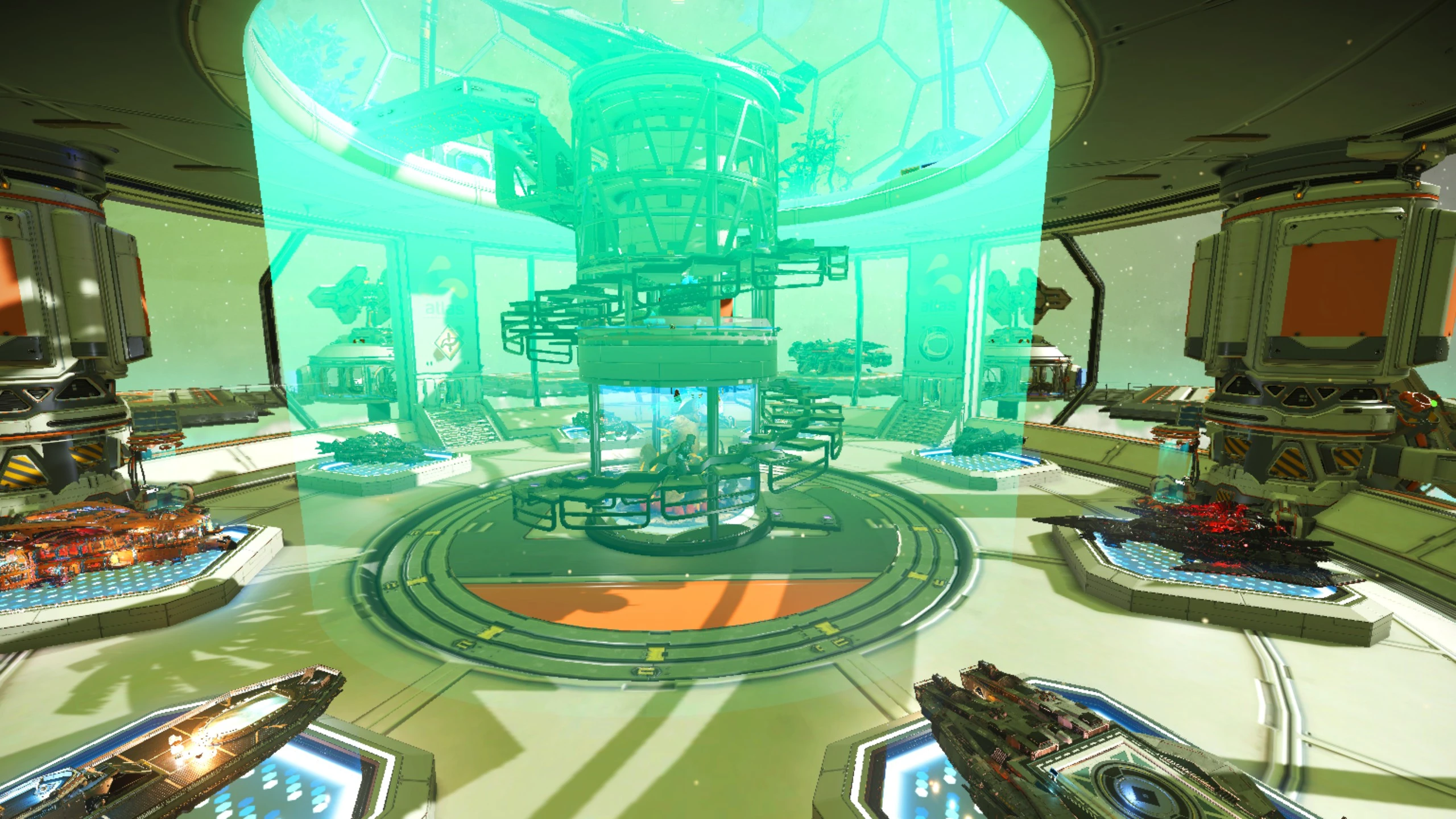
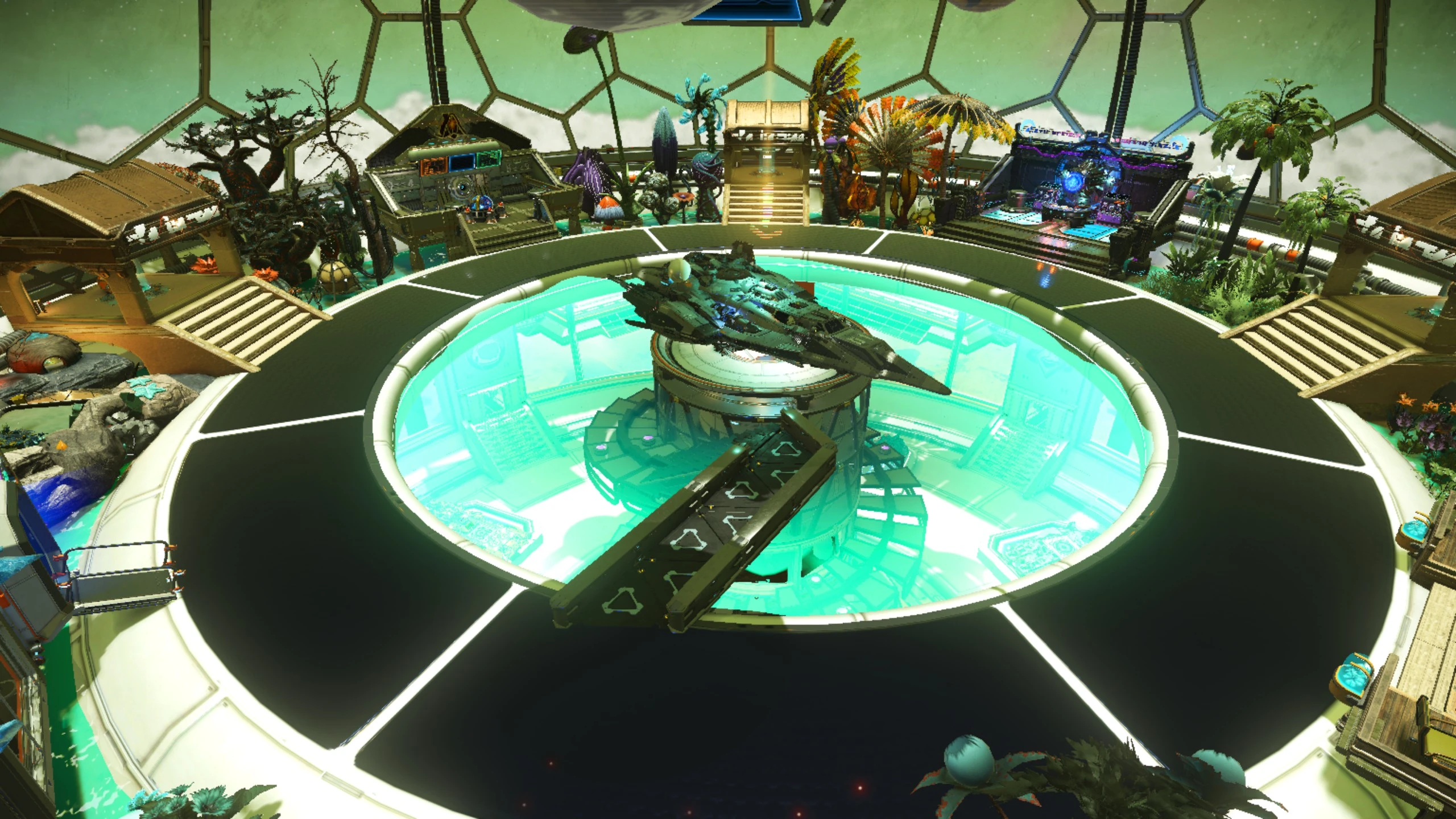
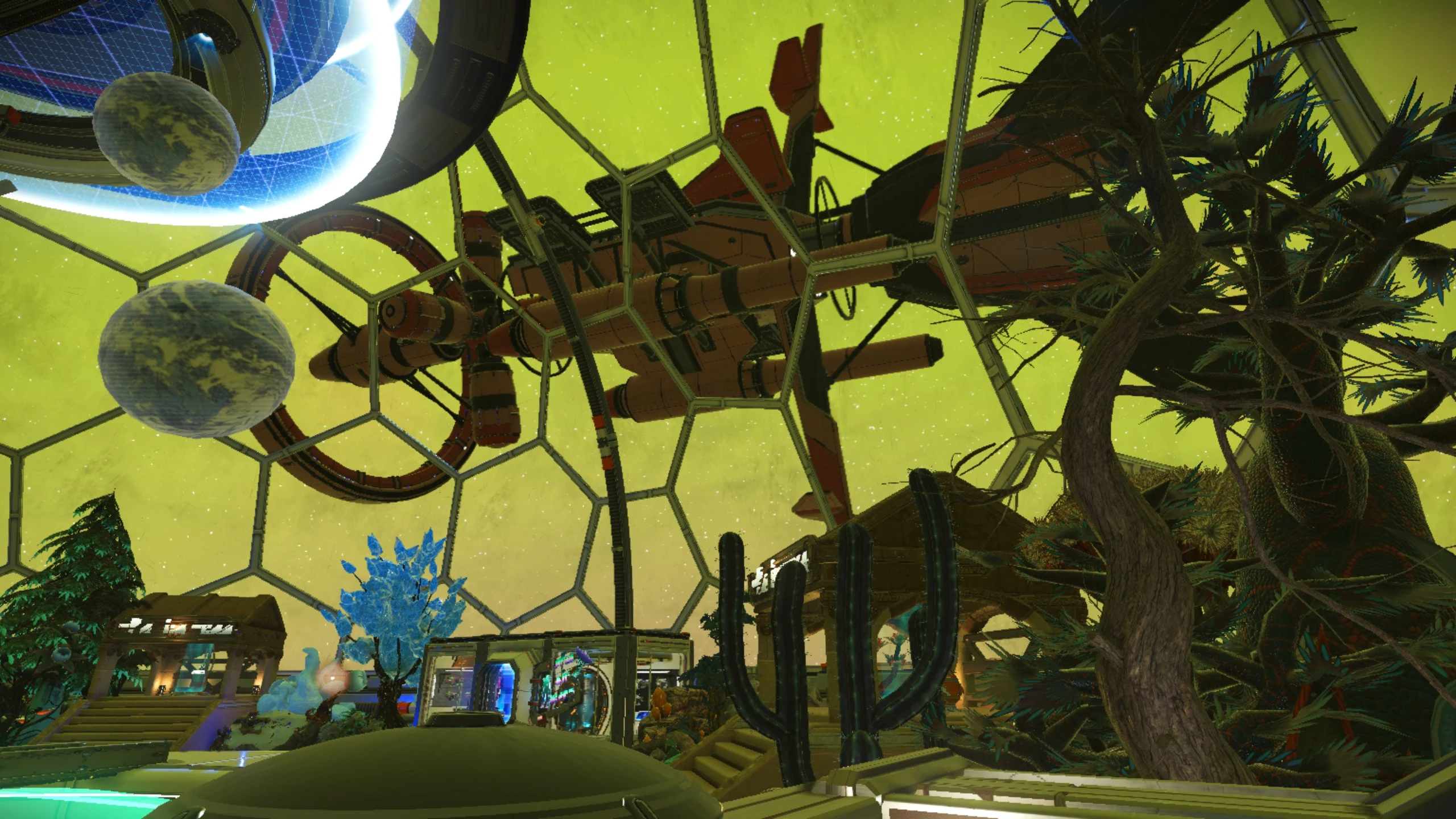
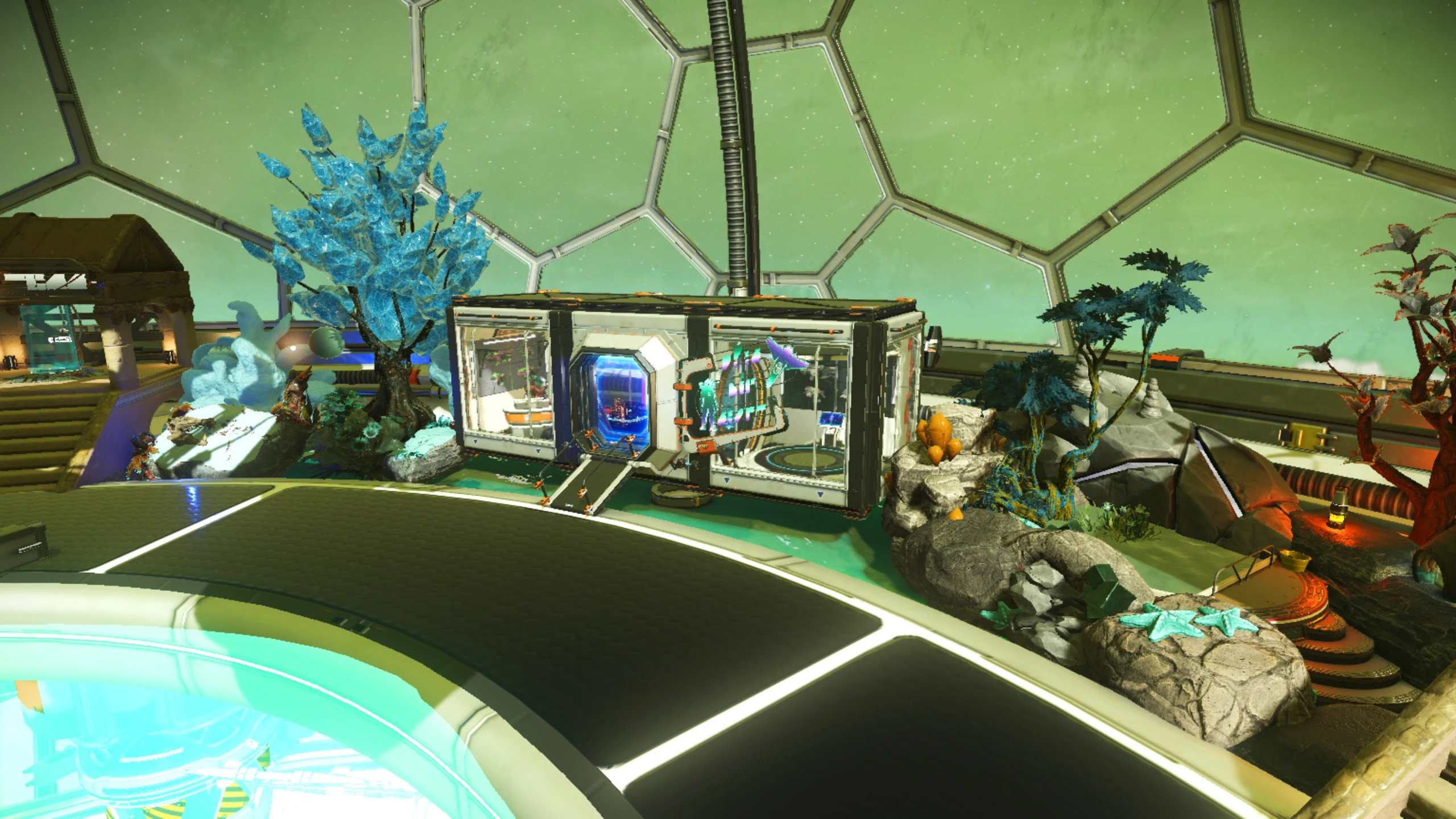
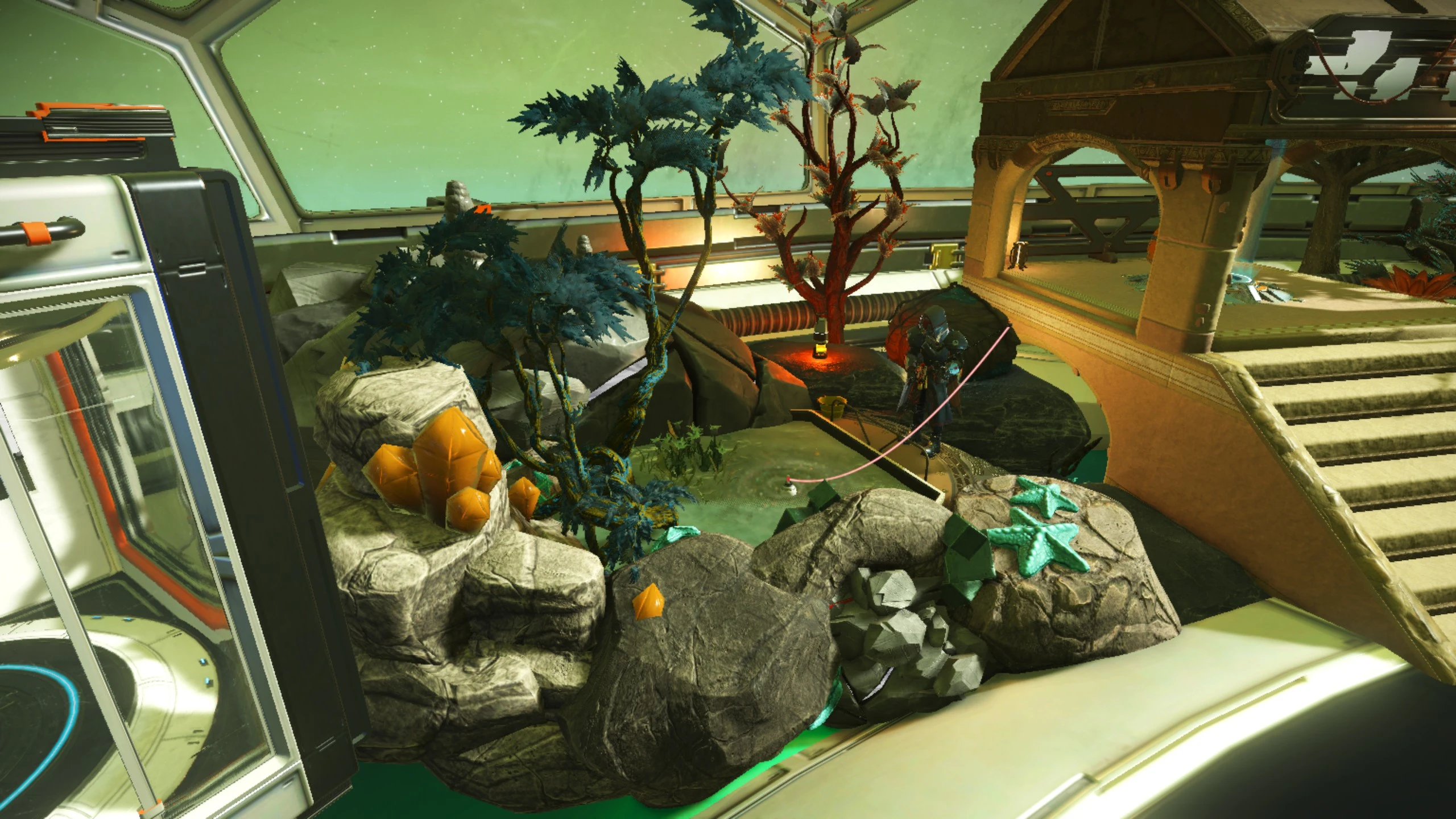
首页 无人深空 建模文件 基地建模文件 伊甸船展会馆(含全部船模)
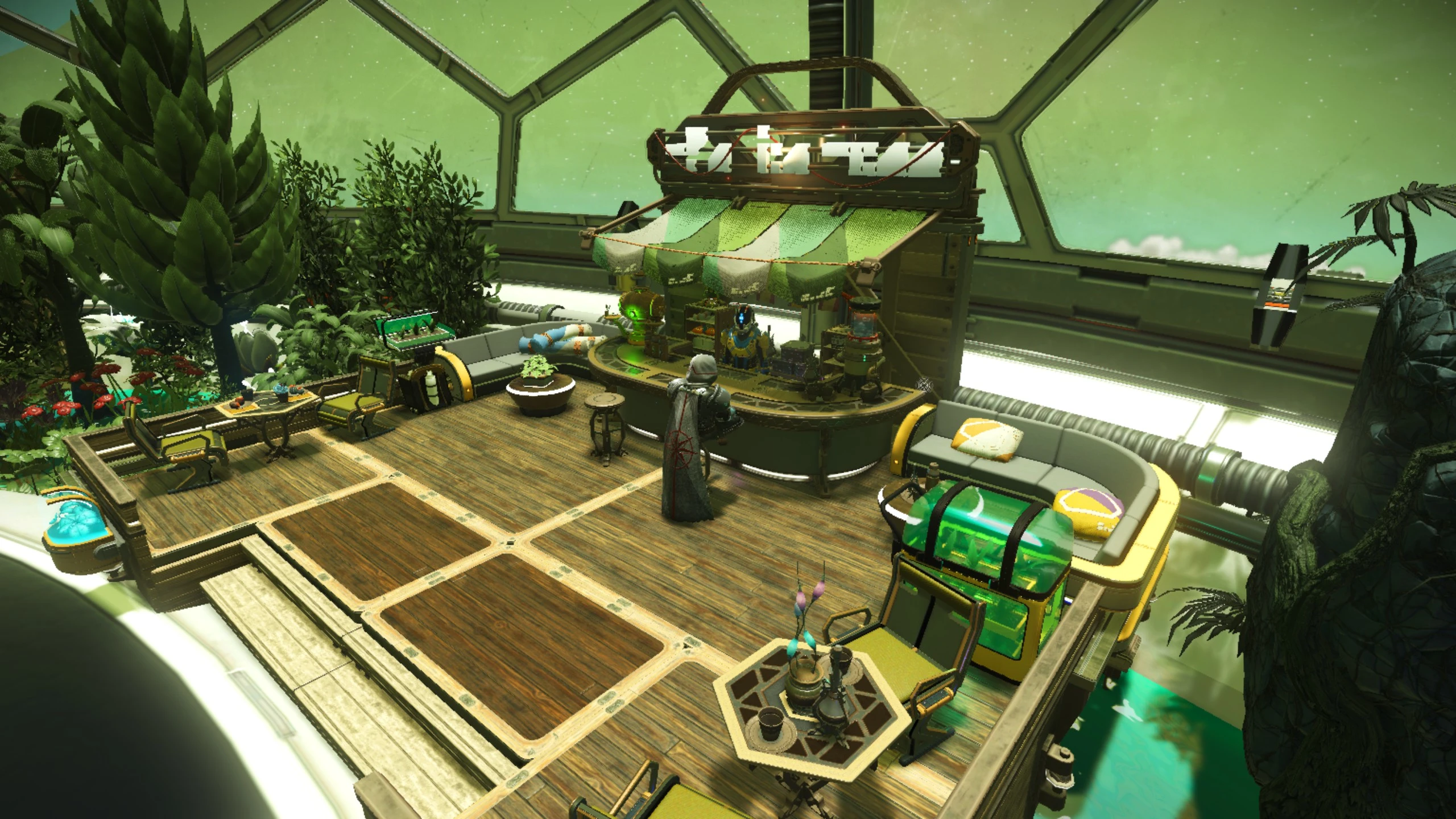
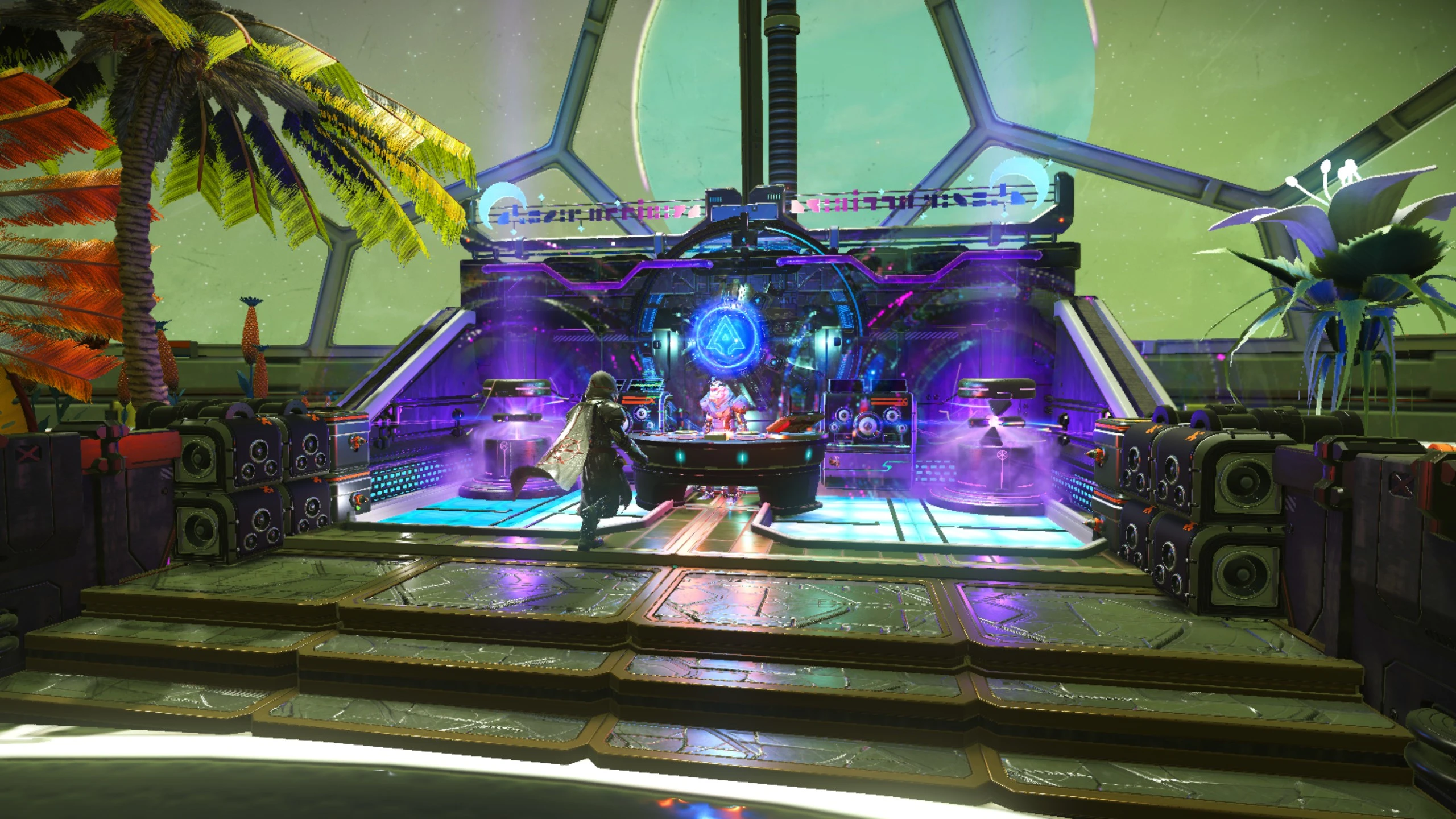
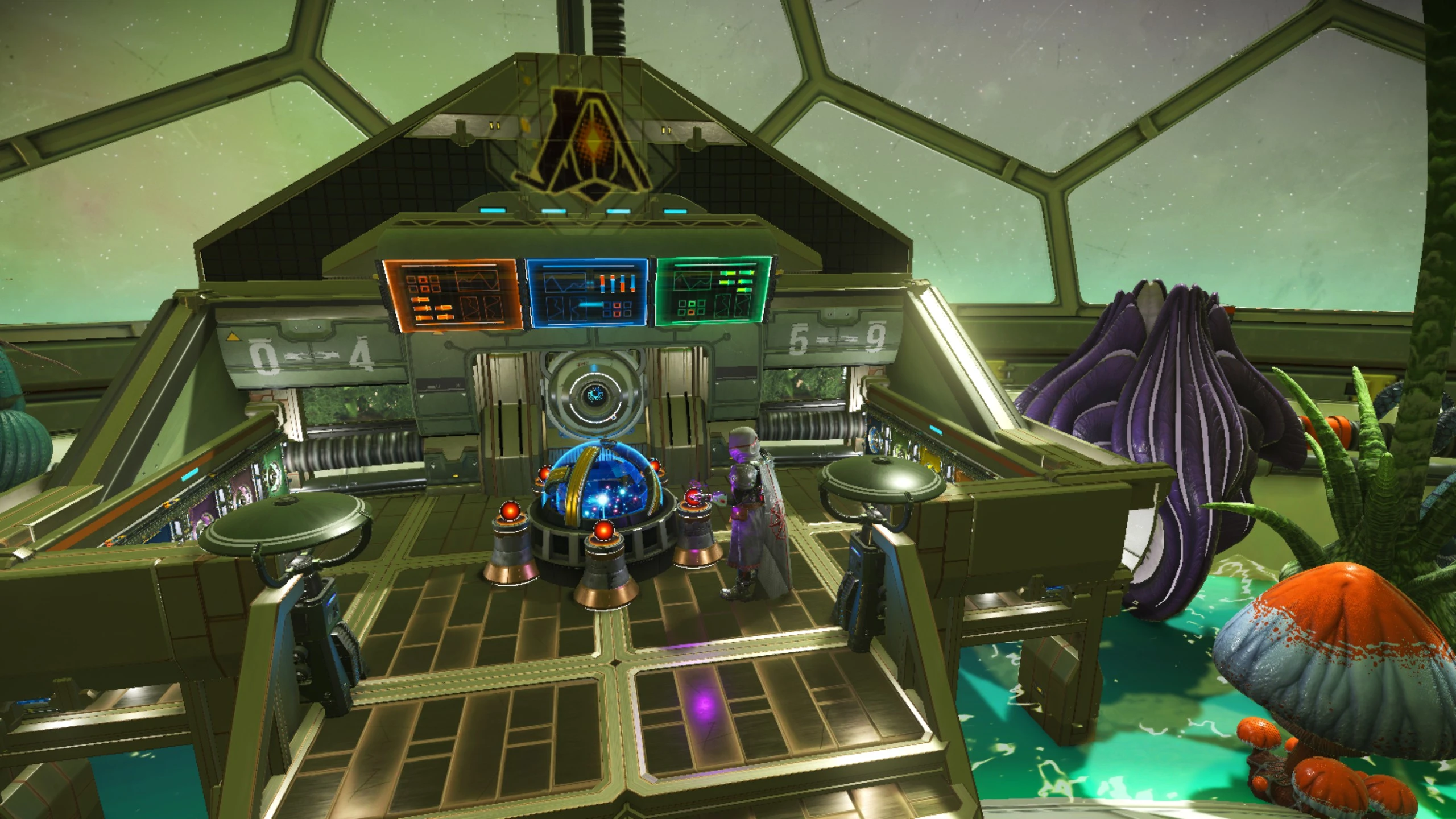
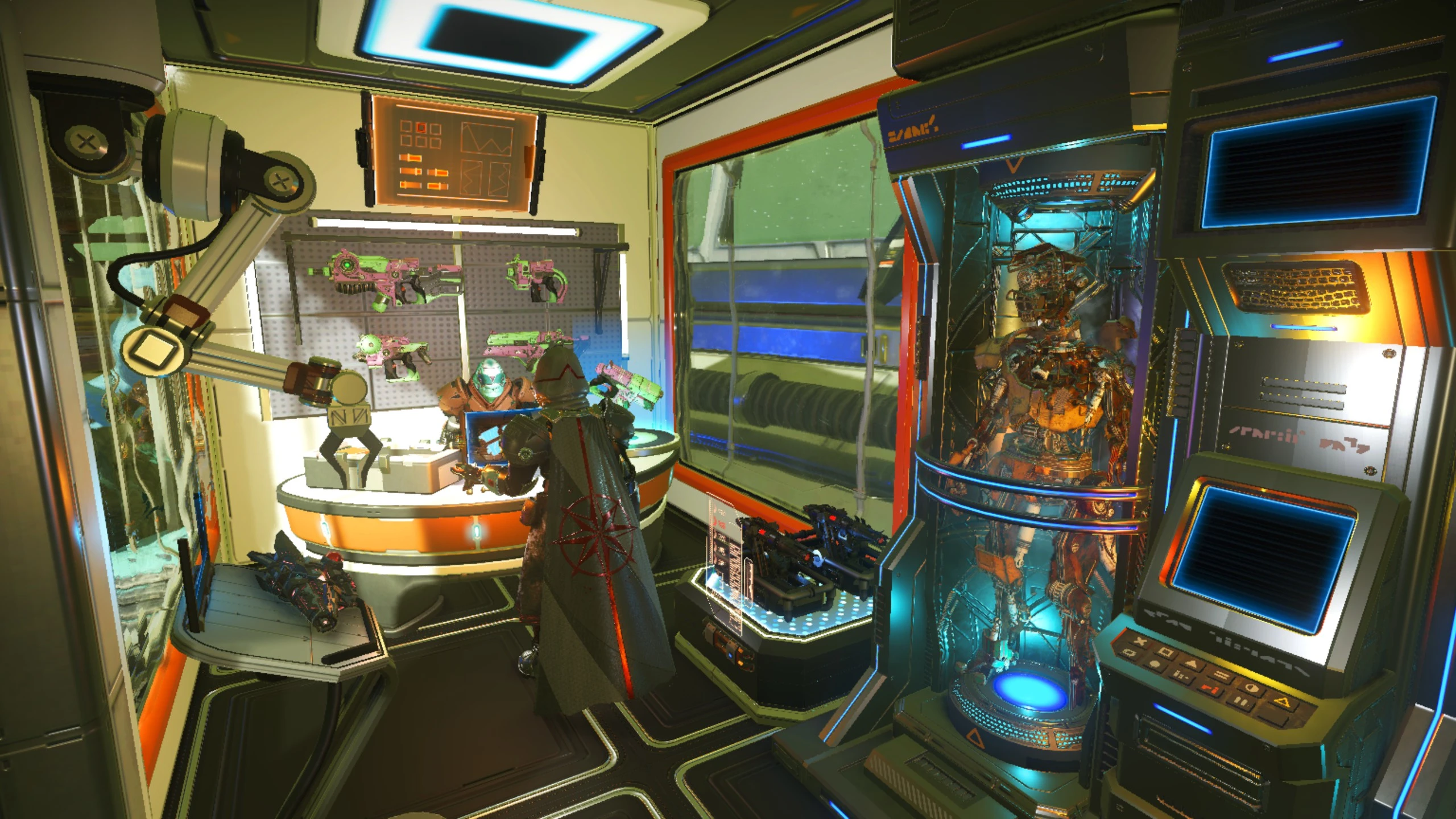
作品简介

放置该基地前请确保获取土地的高度离地面20米左右,否则一楼大厅将被埋入地下,具体做法为用地形修改器垒起土堆后放置基地电脑获取土地。

基地自带电磁塔,所以推荐高磁场环境。

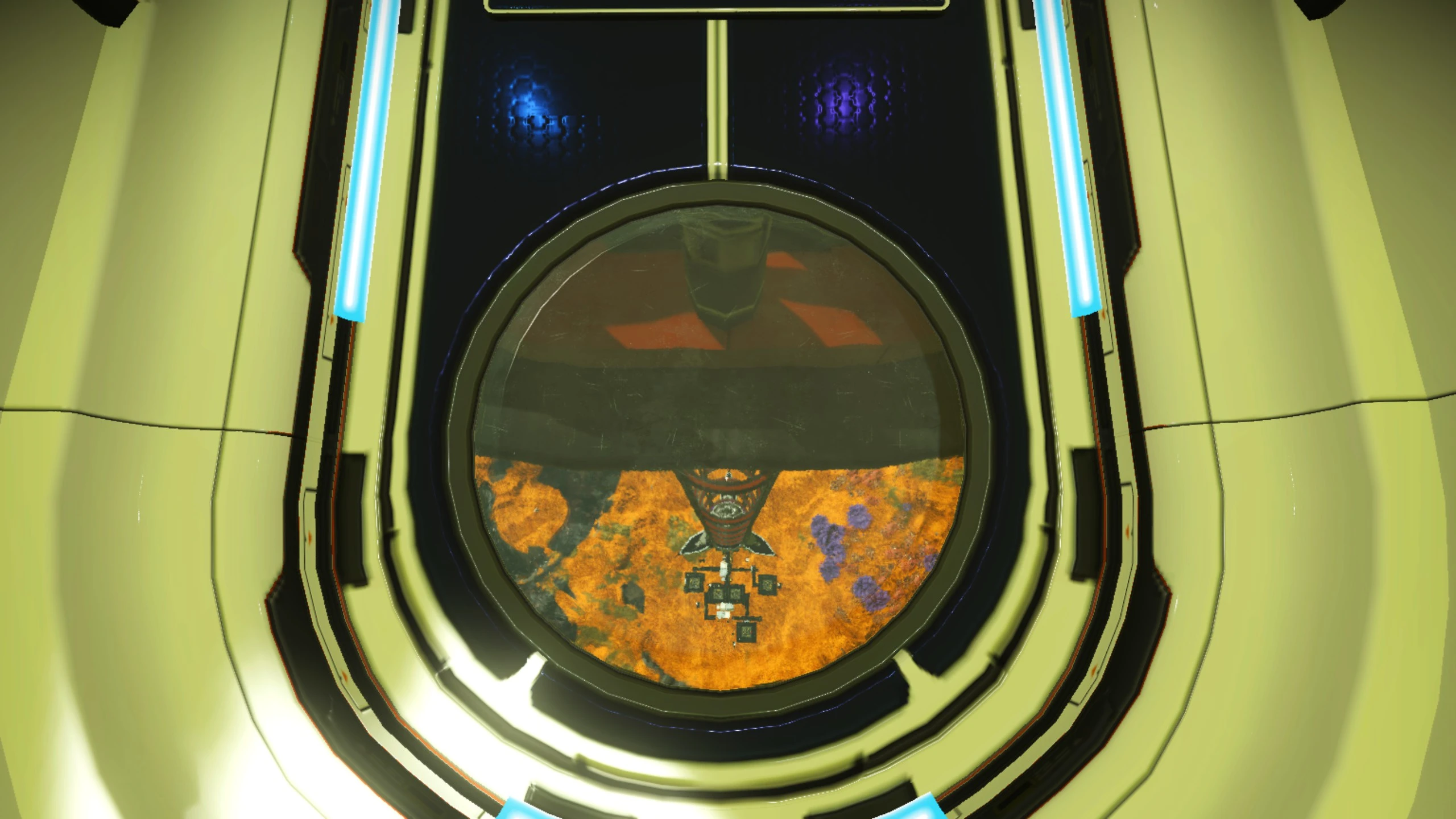
完整版带有底部太空电梯线缆样结构,只推荐在深度超过一千米的海面上放置,否则底下结构将被掩埋而无法显示。


Before placing this base, make sure the terrain elevation of the land claim is approximately 20 meters above ground. Otherwise, the first-floor lobby will be buried underground. The proper procedure is to pile up mounds with the terrain modifier, then place the base computer to claim the land.

This base comes with built-in electromagnetic towers, so high-magnetic-field environments are recommended.

The full version features bottom structures resembling space elevator cables. It is only recommended to be placed on seas with a depth of over 1000u; otherwise, the lower structures will be buried and fail to render.

附件列表
展会中心.json
高速下载 / 附件大小:718.03KB
下载
展会中心完整版.json
高速下载 / 附件大小:722.88KB
下载
相关推荐
发表评论
  • 顺带评个分
提交
×

重要通知

现在平台支持上传和实时预览3d建模,默认在图片后面(因为放在前面有的建模太大会加载缓慢,影响用户第一视觉观感,索性放到图片后面,他们看到的时候也就预加载完成了)

目前支持格式:obj,3ds,stl,ply,gltf,glb,off,3dm,fbx
ps:因为懒,所以上传3d建模文件时,没有弄进度条。如果上传成功他会直接显示文件名
案例作品:
https://oogc.cc/zy/down-view-1588
https://oogc.cc/zy/down-view-1058

The platform now supports uploading and real-time previews of 3D models. By default, they are loaded behind the images. (Since placing them first can cause slow loading for large models and affect the user's initial experience, we put them behind so they can finish pre-loading by the time the user sees them.)

Currently supported formats: obj, 3ds, stl, ply, gltf, glb, off, 3dm, fbx
P.S. Out of laziness, there is no progress bar when uploading 3D model files. Once the upload is successful, the filename will be displayed directly.
Example works:
https://oogc.cc/zy/down-view-1588
https://oogc.cc/zy/down-view-1058
返回顶部